


Hairstyle changer
See yourself with a new haircut or hair colour before you visit the salon. Upload a selfie, pick a style and only your hair changes.


Loading the tool…
Loading the tool…
Hairstyle Changer
Hairstyles and colours to try
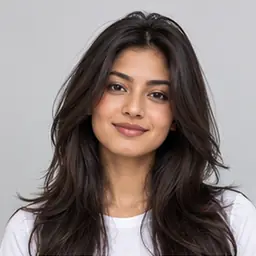 Long layers
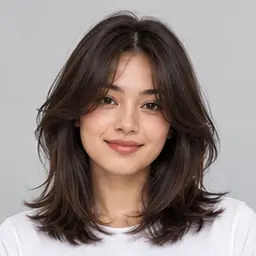 Curtain bangs
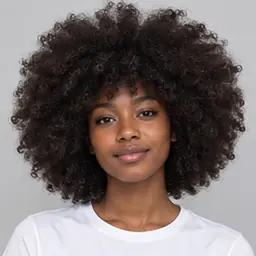 Afro
Afro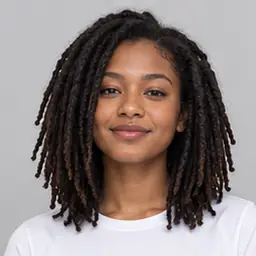 Locs
Locs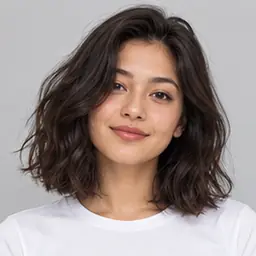 Long bob
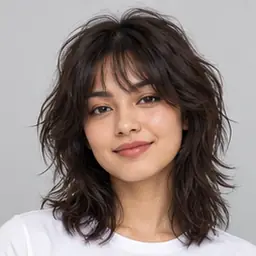 Shag
Shag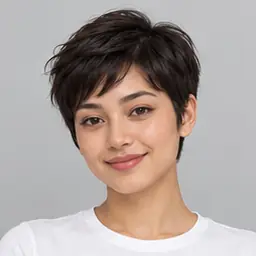 Pixie cut
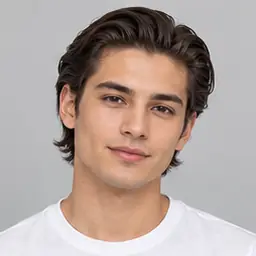 Slicked back
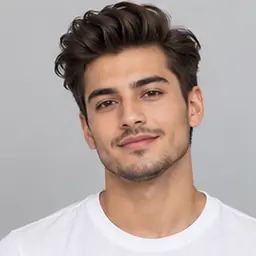 Quiff
Quiff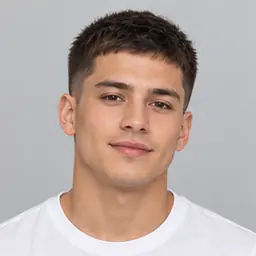 Crew cut
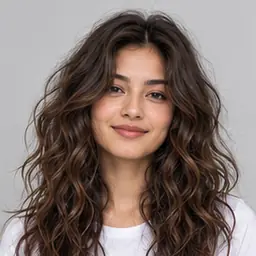 Beach waves
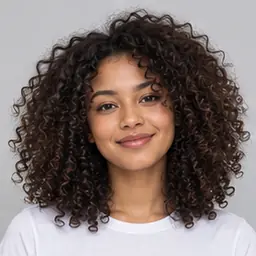 Curly
Curly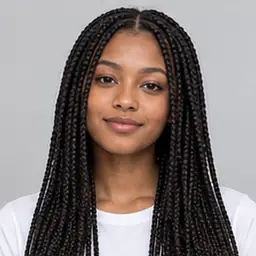 Box braids
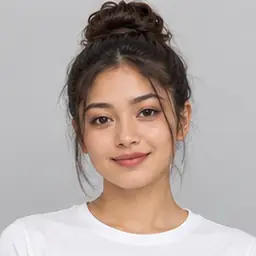 Top bun
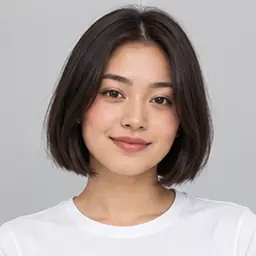 Bob
Bob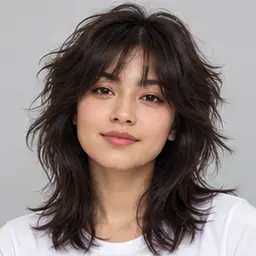 Wolf cut
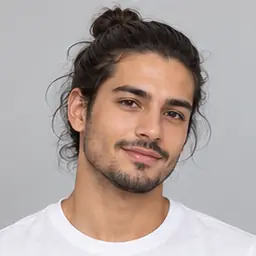 Man bun
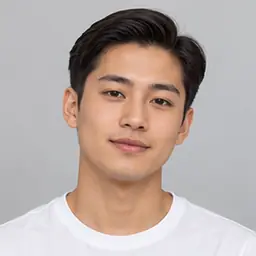 Side part
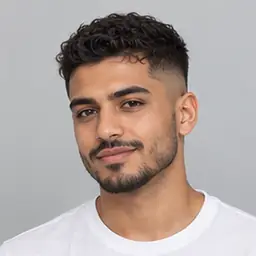 Fade
Fade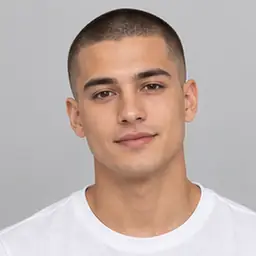 Buzz cut
- Black
- Dark brown
- Light brown
- Blonde
- Platinum
- Auburn
- Copper
- Silver
- Pink
- Blue
- Purple
Step by step
How to try a new hairstyle on your photo
Log in, or create a free account: this tool runs on our servers.
Press Select image, choose a clear JPG, PNG or WebP photo of your face, then pick a hairstyle, a hair colour or both.
Press Change hairstyle, then Download. Your photo is deleted as soon as the new one is made.
FAQ
Frequently asked questions
Is my photo uploaded?
Yes, this tool needs our servers. Your photo is sent over an encrypted connection, the hair is changed and only the new photo comes back to you. Your photo is never stored or used for anything else.
Why do I need an account?
Changing each photo costs us money, so the tool needs a free account. That keeps it fair and free of abuse.
Is it free?
Free accounts can change the hairstyle in 1 photo a month, with photos up to 10 MB. Premium changes up to 30 photos a month, with photos up to 20 MB.
Which photos work best?
A clear, well lit photo of one person facing the camera, with the face and hair in view. Group photos, side views and hats give weaker results.
Will it change my face?
Only the hair is meant to change: your face, skin, expression and background stay as they are. Results can vary, so look closely and try again if something looks off.
Can I use someone else’s photo?
Only with their permission. Before each change you confirm that the photo is yours or that you may edit it.